
Xeplr CLI · 7 videos · 24:51
Build an app with very little code
Seven parts that build Rental Desk, a small equipment-rental business app, almost entirely by designing it instead of coding it. One command creates the app with sign-in, users and roles. Forms, lists, a menu and a guided journey are clicked together in the designer; code comes in only where it pays, as one small function you then pick from a dropdown. By the end: four tables, a menu, a journey, buttons and a live board, with three small functions in code.
← All video tutorialsPlay all on YouTube The finished app and its code on GitHub The CLI
Part 1From zero to a running app, with one command
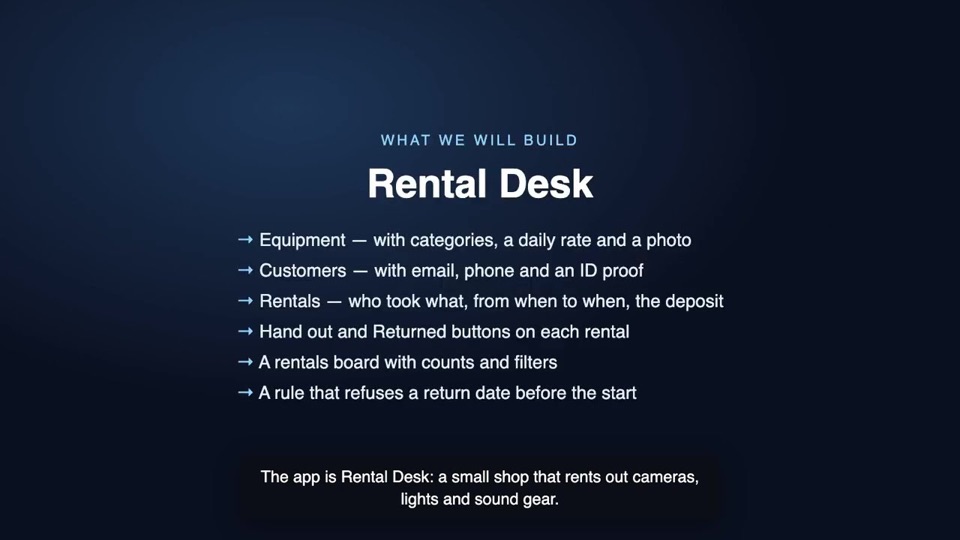
What we will build, the idea (click first, code only where it pays), and one command that creates the app, its databases, sign-in, users and roles.
In this video
- What we will build: equipment, customers, rentals, buttons, a live board, a rule
- Click first, code only where it pays, and pick that code from a dropdown in the designer
- npx @xeplr/cli@latest new rental-desk: the questions it asks, and the databases it creates for you
- Sign-in, profile, users and roles: already there
- Configure UI: Forms, Masters, Flows, Menu
- BUILDING.md, the map in every project: each step, click or code
In the docs: Build an app
Part 2Masters, and your first form (no code)
A Categories master, then the Equipment form: a dropdown fed by the master, an amount, a radio group and a photo upload. Publishing creates a real table.
In this video
- A master: Categories, a short list other forms choose from
- The Equipment form: a dropdown fed by the master, a ready-made Amount, a radio group, a photo upload (images only, checked on the server), notes
- Preview, then Publish: it creates a real table, one column per field, not JSON
- The list: title and columns
- Add to the menu, and add records with photos
In the docs: Forms and screens
Part 3Customers and Rentals: forms that point at each other
Customers with ready-made email and phone checks, and Rentals with dropdowns that link to two tables. Still no code.
In this video
- Customers with ready-made Email and Phone: format checks that come with the field, on the server too
- Rentals: dropdowns that link to two tables (the rental keeps the ids, the list shows names)
- Dates, a deposit, a fixed status list
- A wider list, set in the designer
- Menu tab: order, names, hide the sample
Part 4A guided journey: New rental (Flows)
Forms one after another, designed by clicking: the rental starts with the customer just saved.
In this video
- Fill in from: the rental starts with the customer just saved
- A flow: Customers, then Rentals, then finish
- Walk it from the Flows menu; a journey left half-way is kept
Part 5When you need code: a rule on save
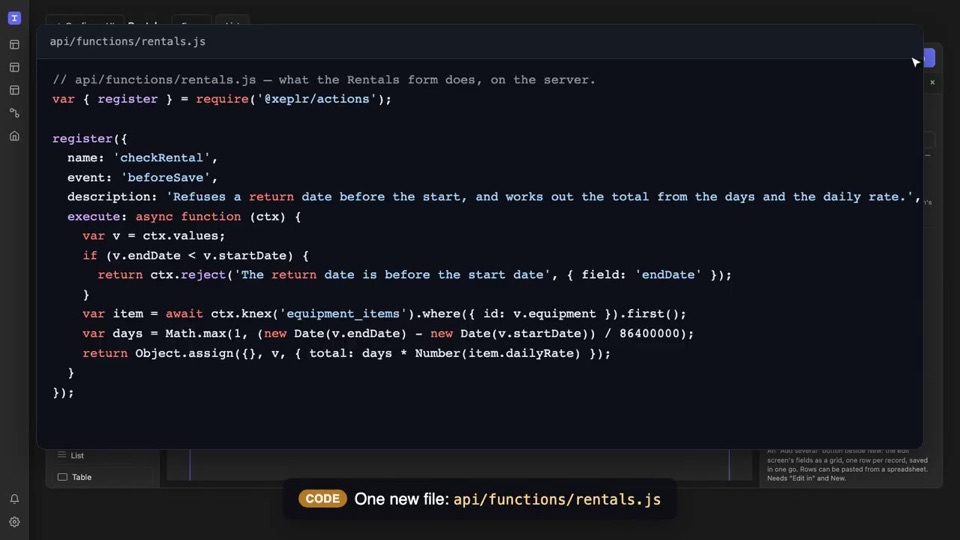
The designer takes you far; for a rule, you write one small function and pick it in the designer. Here it refuses a bad return date and works out the total.
In this video
- A hidden Total field, designed
- checkRental (before save): refuses a return date before the start, and works out the total from the days and the daily rate
- Restart the API, then Server rules, Before save, checkRental
- Refused, with the message on the field; totals filled in
Part 6Buttons: Hand out and Returned (one function)
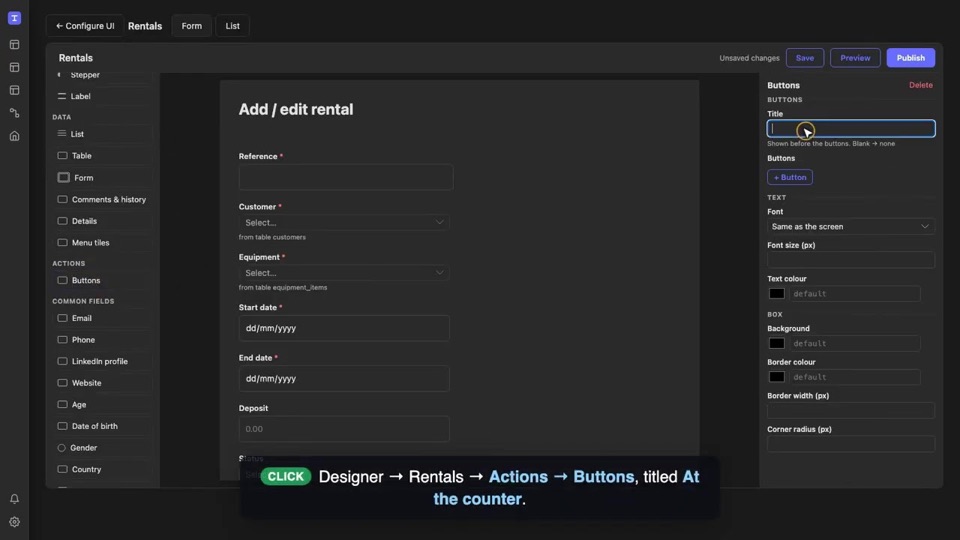
Two buttons from one function: labels, values, a confirmation and when each shows are all designed, and checked again on every press.
In this video
- setRentalStatus (a button function) with an input schema: the designer turns it into a dropdown
- Two buttons, one function: labels, values, Ask first with a note, Shows when, all designed
- Checked at publish, and again on every press: a hidden button cannot be pressed by hand
Part 7A rentals board: search, chips, KPI cards, a date range
One function supplies the rows; the designer adds search, filter chips, KPI cards, a date range and badges. The wrap-up: what was designed, and what was code.
In this video
- rentalBoard (list rows): rentals with customer and equipment names, overdue worked out, counts for chips and cards
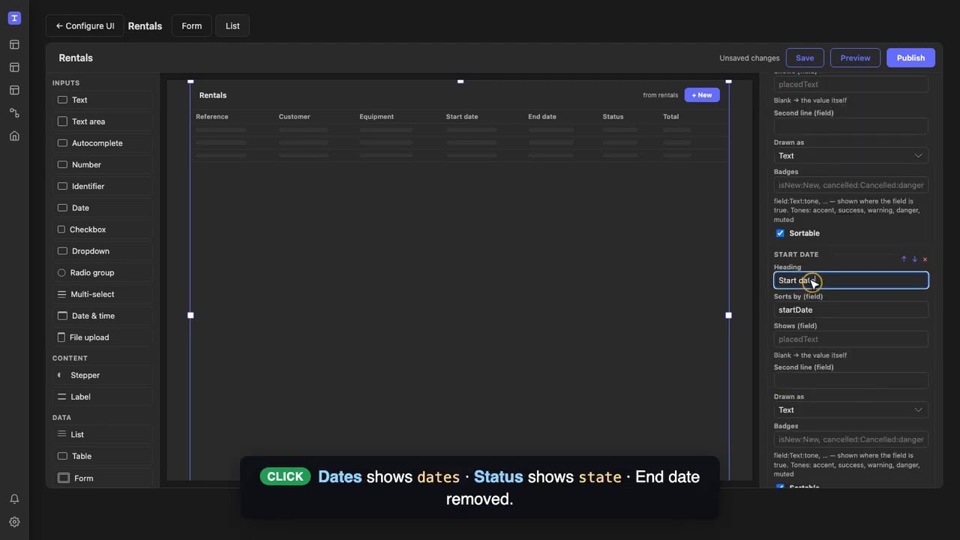
- Designer: rows from, search box, filter chips, KPI cards, date range, column badges
- The designer flags what cannot work (Delete on worked-out rows)
- Search, chip and range live in the URL
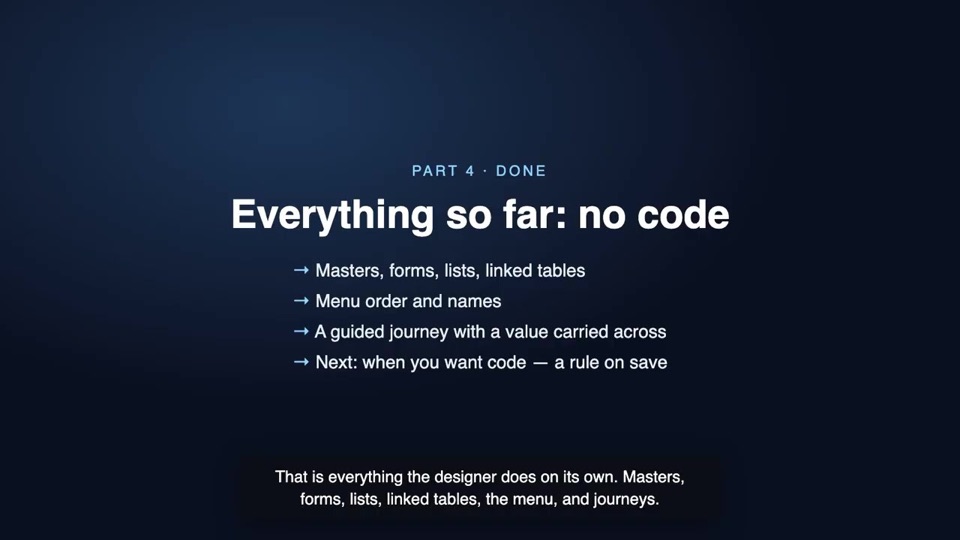
- Wrap-up: four tables, a menu, a journey, buttons and a board designed; three small functions in code
See it against your own data
A demo runs on your schema, not a sample dataset. Thirty minutes, no deck.